
Datto RMM + DeskDay is live now! If you're a Datto RMM user, sign up today to claim your free trial Get Started

 Team DeskDay Team DeskDay
Summer’s wrapping up, and while the kids are packing backpacks, we’ve been packing in updates to make your day-to-day smoother. Think of this release as your fresh set of sharpened pencils: smarter billing, cleaner alerts, and faster ways to tackle tickets, so you’re ready for whatever the season throws at you. ✨
Here’s a breakdown of what’s new this month:

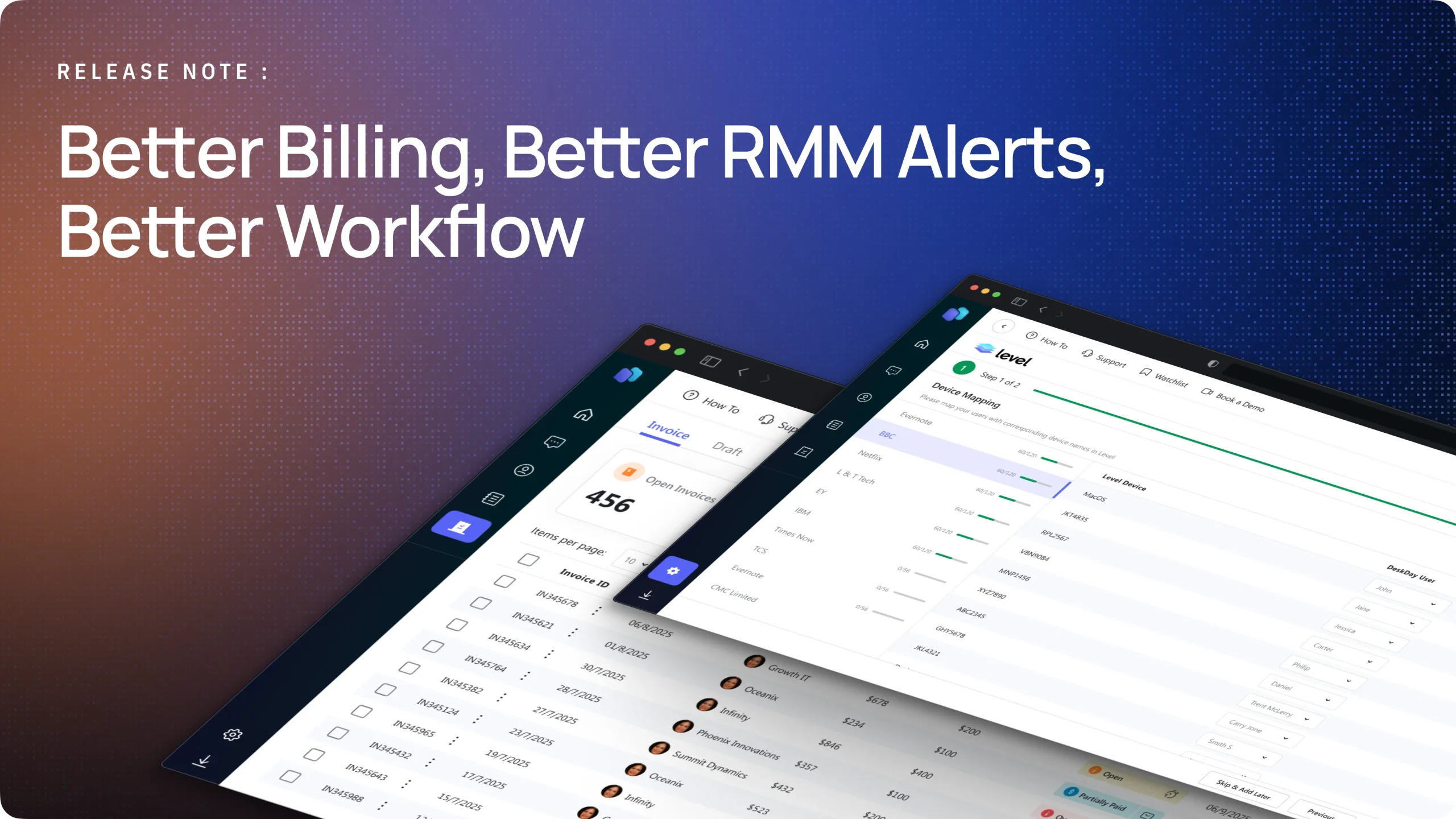
This integration pulls alerts from Level RMM straight into DeskDay, turning them into tickets without manual intervention. Techs can now respond faster, as every critical alert lands directly in their workflow. Beyond just ticket creation, the feature allows direct remote control sessions to be launched from the ticket itself, cutting down on time spent switching between platforms and streamlining the resolution process.


Not every alert needs to become noise. Admins can now fine-tune which RMM alerts should be active. This control ensures that only the alerts that matter funnel into the system, aligning the alert flow with the MSP’s unique thresholds and workflows.


The billing experience got a serious facelift. The interface is cleaner and more intuitive, making it easier to navigate contracts, invoices, and payments. Under the hood, the billing module now supports Prepaid Hours and Block Hours contracts, combines multiple contracts into a single invoice, and groups billables by customer in the Ready to Bill section. You can also mark payments directly, track updates with invoice timelines, manually sync invoices after saving, and rely on automatic overdue status for better visibility and control.


Get exclusive content on the MSP industry and become a part of the DeskDay community.


