Real-time alert sync. Instant device mapping. One-click remote access directly from the DeskDay ticketing system. No 24-hour delays, no ticket flooding
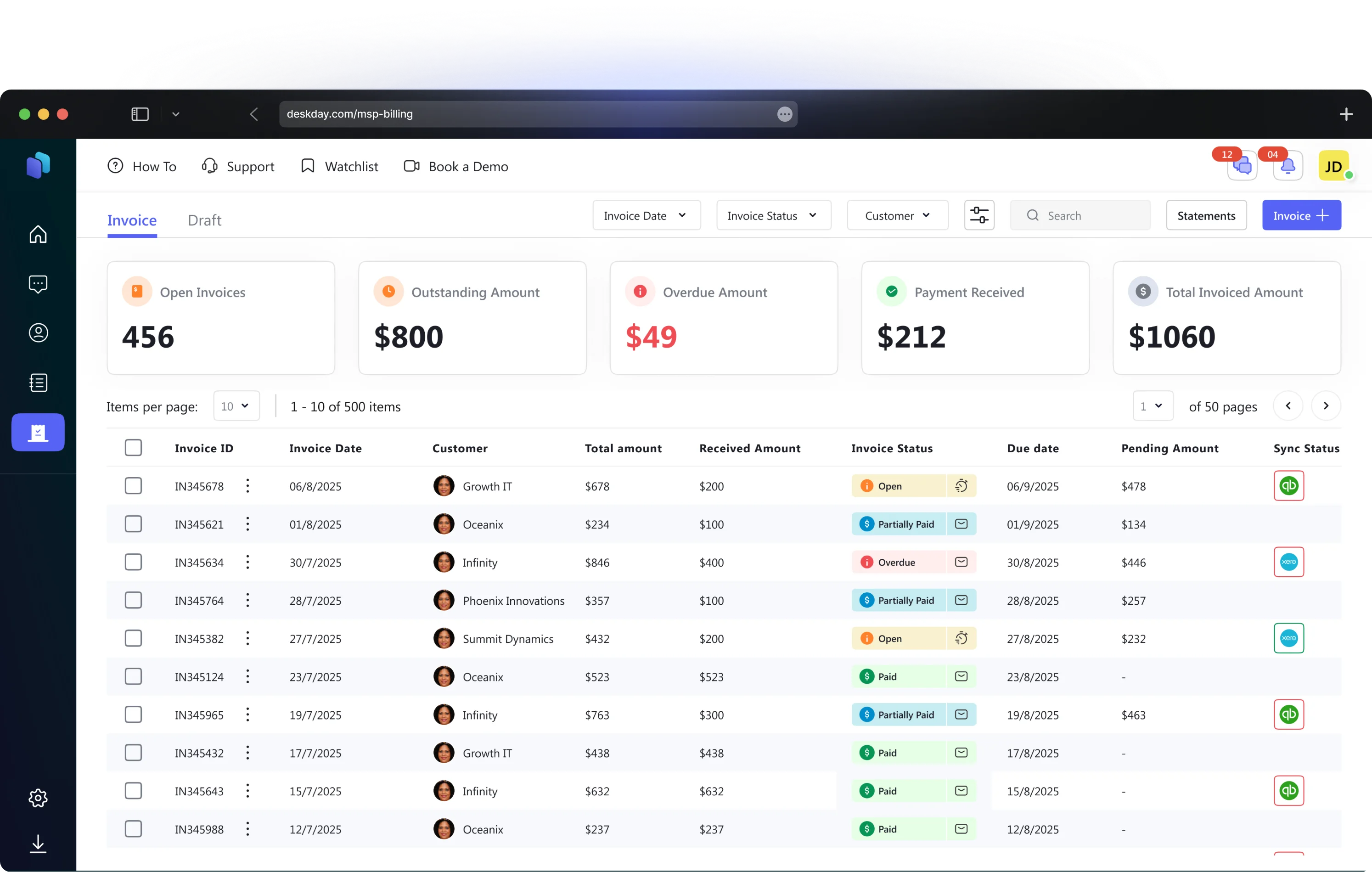
Alerts and devices from Datto RMM are mapped to the appropriate customer accounts in DeskDay. This ensures that every issue is immediately filed under the correct organization for organized tracking and accurate billing.
All devices are mapped to individual users within DeskDay. This allows support teams to instantly identify exactly who is affected by a specific Datto RMM alert or issue, adding human context to technical data.
Datto RMM alerts are seamlessly synced to DeskDay tickets. You have full control to customize how these alerts land, with options to route them to specific service boards, assign priority levels, and set initial statuses automatically.
Access any device mapped in Datto RMM directly from the DeskDay ticket screen without switching tabs. Simply click the Remote-Control button at the top of the ticket to open the integration drawer and launch a remote session instantly.
When an alert is resolved or cleared in Datto RMM, the corresponding ticket in DeskDay will automatically close. This eliminates manual board cleanup, reduces administrative overhead, and keeps your metrics accurate.
Leverage DeskDay’s conversational chat features directly within Datto-generated tickets. This allows you to communicate with the affected user while simultaneously viewing device health and performing remote actions—all in one view.
Whether you're a lean team of three or scaling past fifteen techs, this integration removes the friction between delivering great service and getting paid for it.
DeskDay consumes all alerts from Datto RMM, presenting them on techs' dashboards for proactive monitoring and action.
When alerts generate tickets, DeskDay immediately notifies your service desk, ensuring techs have full visibility on affected devices and critical events.
All Datto RMM activity logs, alerts, and system events sync with DeskDay, providing real-time visibility into device health, security events, and operational changes.
Track time spent on resolving Datto RMM-generated tickets within DeskDay, feeding directly into your billing and reporting workflows for precise invoicing.
Connecting Datto RMM to DeskDay is simple. Follow these three steps and you'll be up and running in no time.
Start managing alerts, devices, and tickets from one place
The DeskDay and Datto RMM integration unifies your PSA and RMM into a single "System of Action." By syncing alerts, assets, and customer data in real-time, MSPs can manage tickets and troubleshoot devices directly within DeskDay without switching tabs. This reduces technician fatigue, lowers mean time to resolution (MTTR), and eliminates manual data entry errors.
Yes, DeskDay supports intelligent two-way synchronization with Datto RMM. When an alert is triggered in Datto, a ticket is automatically created in DeskDay. Crucially, when the issue is resolved in Datto RMM, the corresponding ticket in DeskDay automatically closes. This ensures your service desk queue remains clean and up-to-date without manual intervention.
Customer mapping is managed within the DeskDay settings. Once you connect your Datto RMM API credentials, you will see a list of your available Datto "Sites." From there, you simply select the corresponding DeskDay "Customer" for each site. This one-time manual setup ensures that all future tickets and devices are automatically routed to the correct client account.
Yes, the integration includes a "One-Click Remote Access" feature. When a device is mapped to a user in the integration, and a ticket is raised by that user (or an alert is created from the device), the Remote-Control button will appear at the top of the ticket. Clicking this link launches the remote session immediately, allowing for instant troubleshooting without searching for the device ID in your RMM dashboard.