
Deliver faster user support with AI-powered help desk.

Build on DeskDay your way: Public API and MCP support is now live and available for early access. Request access

Give your IT team complete control over every ticket from first contact to resolution, on desktop or mobile.
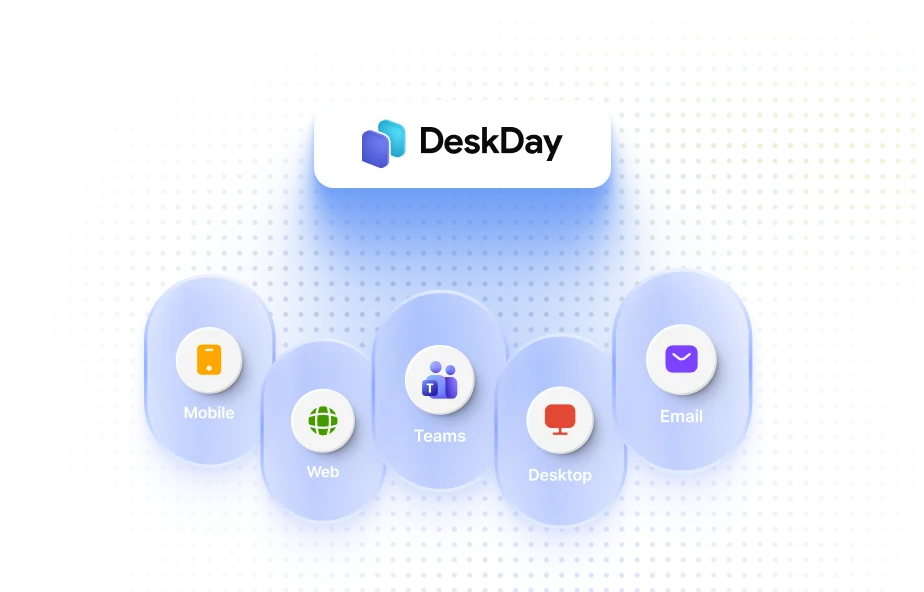
Whether it's Teams, email, web, desktop, or mobile, every ticket flows into a single queue. Your team responds from one place through chat while users get support where they prefer.
Explore more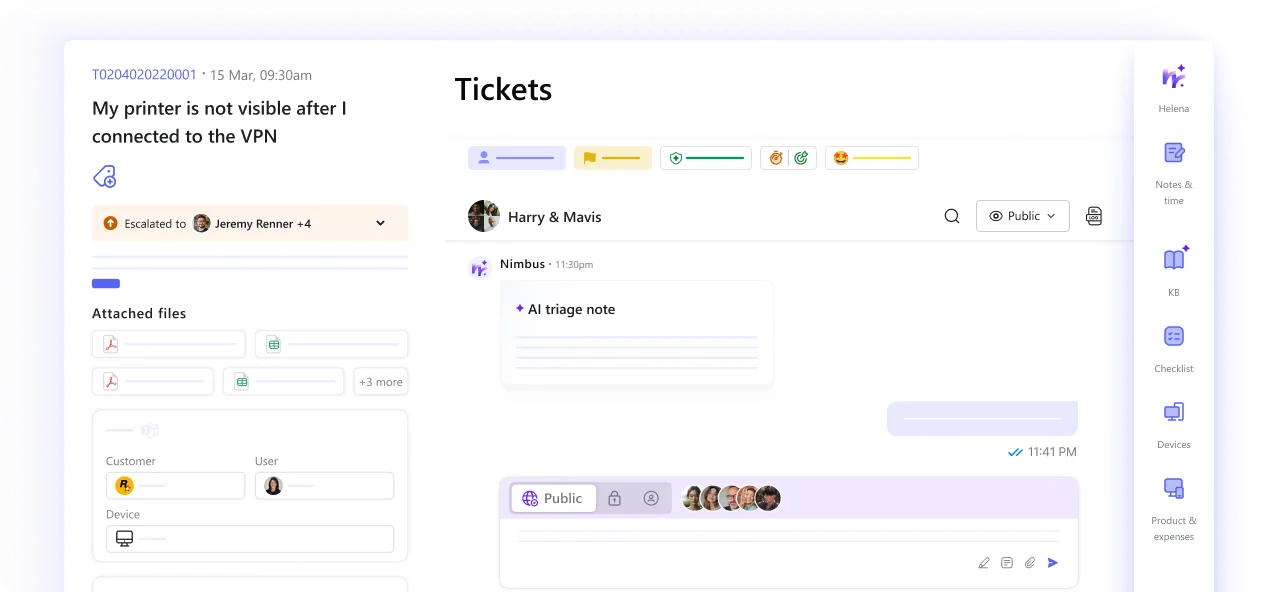
No switching tabs to find context. Chat conversations, history, updates, and resolution notes live together so your team can move faster, stay aligned, and close tickets without friction.

Techs can pin and switch between active conversations at once, keeping priority tickets visible and reducing queue buildup during high-demand periods. Your team works the way real support happens, not one ticket at a time.

Send targeted outage alerts, maintenance notices, and important updates across every relevant channel at once, without adding to the noise.
Explore more
Create a ticket template once for patch checks, backup audits, or quarterly reviews, and generate recurring tickets on schedule with the right customer, assignees, priority, and SLA.

Loop vendors, contractors, and client IT managers directly into the same ticket thread, no separate email chains or side conversations. Everyone stays aligned in one shared thread, while internal notes remain private for teams.
Every capability your team needs, without the overhead they don't.
Integrate Office 365, Google, or custom mailboxes and bring all tickets into your helpdesk without manual effort.

Secure SSO using Microsoft Entra ID (Azure AD), Google Workspace, Okta, or JumpCloud; built on OIDC & SAML 2.0.

Set response & resolution targets by priority, customer, board, or channel, and track every ticket with clear SLA statuses before deadlines slip.

With a consistent mobile experience, manage, update, and resolve tickets from anywhere, with real-time notifications, and full ticket access.

AI-powered suggestions bring relevant knowledge base articles into active tickets, while techs can turn resolutions into reusable knowledge instantly.

Customize your user support app with your logo and vanity URL, so every support experience feels consistent, familiar, and truly yours.

Use checklists to guide troubleshooting steps, reduce errors, and ensure consistent handling across similar issues.

Use predefined responses to handle common queries without rewriting the same messages every time.

With Watchlist, your team can keep high-priority tickets pinned, making it easier to access, prioritize better, and avoid missing urgent issues.
