
Datto RMM + DeskDay is live now! If you're a Datto RMM user, sign up today to claim your free trial Get Started

 Team DeskDay Team DeskDay
Customers don’t care how your support team is structured. They care about getting help without having to repeat themselves.
And the numbers make it clear:
Yet many support tools still treat email, chat, social, and collaboration platforms as separate silos.
True omnichannel support means one continuous conversation, regardless of where it starts or continues. Below are 12 platforms in 2026 that deliver connected support experiences, including tools built specifically for MSPs and IT teams.
What Is Omnichannel Customer Support?
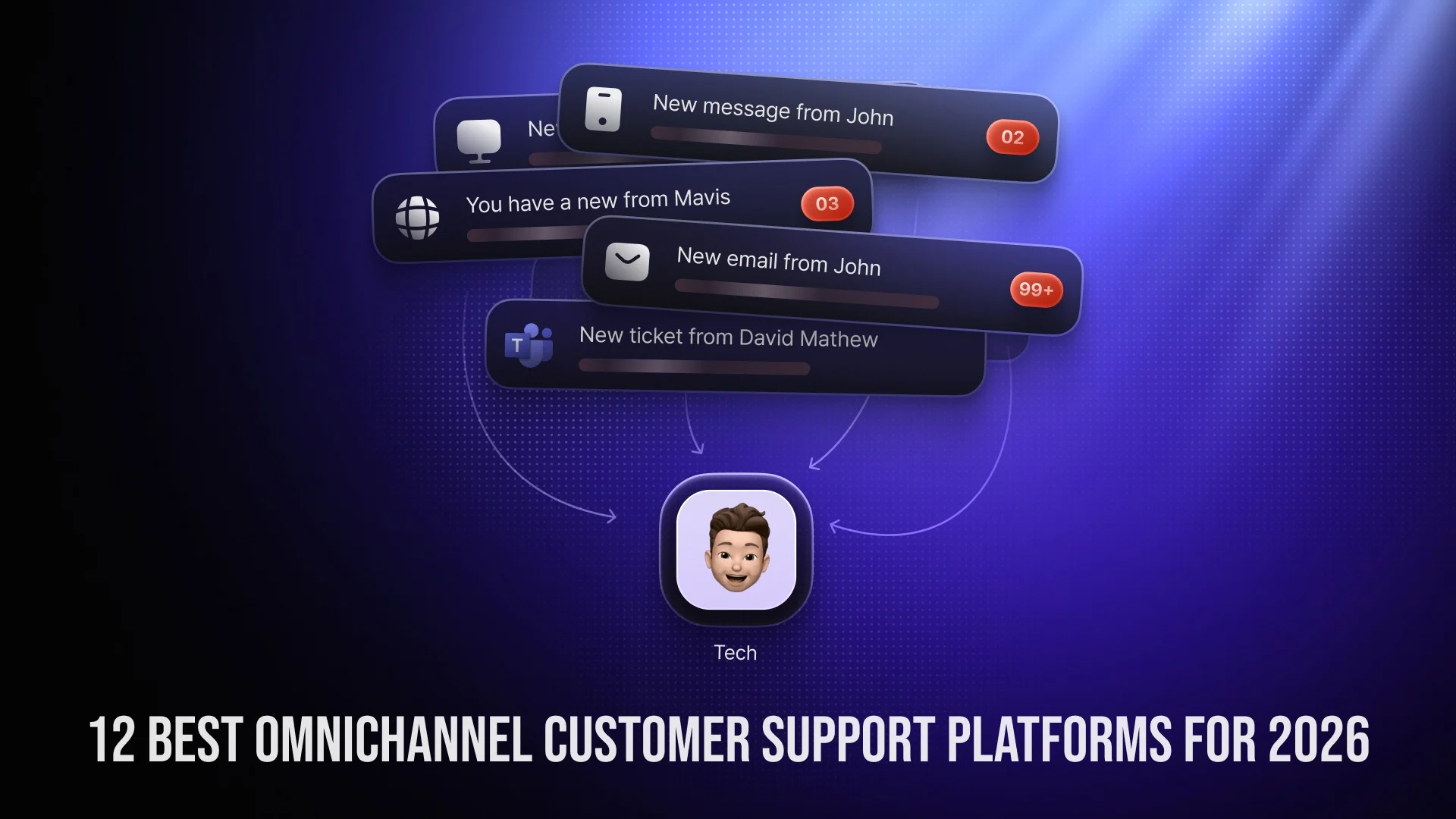
Omnichannel customer support is a service approach where all customer interactions: email, chat, Microsoft Teams, phone, social media, portals, and messaging apps, are unified into a single conversation timeline.
Instead of separate tickets for each channel, techs see:
The result? Faster resolution times, fewer repeated explanations, and better customer satisfaction.
Choosing an omnichannel support platform isn’t just about adding more channels. It’s about building a system that protects context, improves speed, and makes life easier for both customers and techs.
The right platform should reduce repetition for customers and reduce friction for techs. Here’s what that actually means in practical terms.
A true omnichannel platform brings every interaction into one centralized workspace.
Techs should be able to see messages from:
inside their service desk.
All of it should appear in a single threaded conversation, not as fragmented tickets. This prevents duplicate work, missed replies, and lost context.
If your techs still need to switch between tools to respond, it’s not truly unified.
This is where most platforms fall short.
Customers should be able to:
And never have to repeat themselves.
The system must connect every interaction into one chronological timeline. Techs should instantly understand what has already been discussed, what was promised, and what remains unresolved.
Without continuity, “multi-channel” becomes “multi-confusion.”
Omnichannel doesn’t mean offering five random channels. It means supporting the channels your customers actually use.
Look for coverage across:
Even more important: the ability to add new channels later without having to rebuild your workflow.
Automation is not about replacing techs. It’s about removing repetitive tasks.
A strong omnichannel platform should offer:
The goal is simple: reduce manual triage so techs can focus on solving problems.
In 2026, AI is no longer optional. Look for AI capabilities that support techs instead of complicating workflows:
The best AI tools improve response time without making interactions feel robotic.
Techs should never ask, “Can you explain the issue again?”
A strong platform shows:
When techs see the full story, they respond faster and more accurately. Customers feel understood instead of processed.
Support isn’t a solo activity.
Your platform should allow techs to collaborate without leaving the ticket:
When collaboration happens inside the ticket, context stays intact. When it happens over Slack or email, things get lost.
You can’t improve what you don’t measure.
A modern omnichannel platform should provide clear visibility into:
Look for customizable dashboards, not just static reports. Leadership should be able to identify bottlenecks quickly.
Support platforms often contain sensitive customer data. Security cannot be an afterthought.
Critical capabilities include:
For MSPs and IT teams managing client environments, this becomes even more important.
Your platform should grow with your team, not punish you for growth.
Evaluate:
A good omnichannel solution should allow you to start small and expand without sudden pricing spikes.
In short, an omnichannel support platform should do three things exceptionally well:
1. Preserve conversation continuity
2. Reduce operational friction
3. Improve resolution speed
If it only adds more channels without connecting them, it’s not omnichannel.
The best platforms don’t just collect messages. They connect context, people, and workflows into one coherent service experience.
Best for: MSPs and IT teams that want omnichannel support built into PSA
DeskDay is an AI-native, chat-first PSA/Service Desk built specifically for MSPs and IT teams. It unifies conversations from Microsoft Teams, email, web, desktop, and mobile directly into a centralized service desk for techs.
Why DeskDay stands out
Unlike traditional PSA/service desks, DeskDay keeps techs inside the service desk while tickets and conversations flow in from multiple channels. Customers get a continuous experience despite switching channels. Techs get the full context of every multi-channel ticket without tab switching. Billing, contracts, and service delivery are connected to all support conversations.
Key Features
Built-in multi-channel ticketing experience for end-users
Unified conversation timeline across channels for techs
End-to-end PSA/service desk for tickets, tasks, projects, and billing
AI-powered assistance
Role-based permissions and automation workflows
Starting price: ~$59-$79 per technician/month
Best for: Large enterprises needing scalability and deep customization
Zendesk is one of the most recognized omnichannel customer support platforms globally. It supports email, chat, voice, social media, and messaging apps in a unified agent workspace.
Why Zendesk stands out
Zendesk excels in handling complexity. Large organizations with high ticket volumes and layered workflows benefit from its scalability and customization depth.
However, that power can come with higher costs and implementation complexity.
Key features
Unified omnichannel ticketing
Advanced automation and AI tools
Custom workflows and triggers
Enterprise-grade analytics
Extensive integration ecosystem
Pricing range: ~$25 to $219+ per agent/month
Best for: Growing teams that need a balance between ease and functionality
Freshdesk is a cloud-based omnichannel helpdesk platform offering email, chat, phone, and social ticketing in one system.
Why Freshdesk stands out
Freshdesk is known for ease of use and fast deployment. It offers strong automation features without overwhelming smaller teams. Its flexible pricing tiers make it attractive for startups and SMBs scaling toward more complex workflows.
Key features
Omnichannel inbox
Freddy AI automation
SLA tracking and escalation rules
Reporting dashboards
Self-service portal
Pricing range: Free to ~$69+ per agent/month
Best for: SaaS and product-led businesses
Intercom is a conversation-first platform centered on live chat and messaging.
Why Intercom stands out
Intercom blends support and engagement. It’s strong for SaaS companies that prioritize in-app messaging and fast response times.
Key features
Real-time chat and bots
Unified conversation inbox
Automated routing
Proactive engagement tools
Customer data visibility
Pricing range: ~$39 to $139 per user/month
Best for: Microsoft-centric organizations seeking simple omnichannel ticketing
Desk365 is an AI-powered omnichannel helpdesk built for teams working within the Microsoft ecosystem. It converts email, chat, web forms, and Teams conversations into organized tickets within a unified workspace.
Why Desk365 stands out
Desk365’s strength lies in simplicity and Microsoft integration. For teams already working inside Teams and Outlook, adoption feels natural. It keeps conversations centralized while remaining lightweight and easy to deploy.
Key Features
Microsoft Teams-based ticketing
Email-to-ticket automation
Shared inbox across channels
Knowledge base and customer portal
SLA management and automation
Starting price: ~$12 per agent/month
Best for: Businesses already using HubSpot CRM
HubSpot Service Hub combines ticketing, live chat, and customer messaging directly with HubSpot’s CRM data.
Why HubSpot Service Hub stands out
The tight CRM integration gives agents full customer context across marketing, sales, and support. For companies invested in HubSpot’s ecosystem, it delivers a seamless experience.
Key Features
Unified inbox
CRM-integrated customer records
Chatbots and live chat
Automation and routing
Lifecycle reporting
Pricing range: Free to ~$150 per agent/month
Best for: Budget-conscious teams needing AI support
Zoho Desk provides omnichannel ticketing with strong customization at competitive pricing.
Why Zoho Desk stands out
Zoho Desk delivers advanced features at lower price points compared to enterprise competitors.
Key Features
Multi-channel ticket management
AI-powered response suggestions
Workflow automation
Self-service portals
Custom dashboards
Starting price: ~$14 per user/month
Best for: MSPs needing a full PSA with omnichannel intake
HaloPSA combines ticketing, project management, billing, and service contracts.
HaloPSA is operationally deep. It suits MSPs that need service management and omnichannel support under one roof.
Pricing range: ~$30-$120+ / tech / month
Best for: Established MSPs with complex workflows
ConnectWise PSA is a long-standing MSP-focused service management platform.
Why ConnectWise PSA stands out
ConnectWise offers operational maturity and ecosystem depth, especially for larger MSPs with layered service offerings.
Key Features
Multi-channel ticket intake
Contract and billing management
Advanced workflow customization
Large integration ecosystem
Pricing range: ~$70-$100+ / user / month
Best for: Teams that rely heavily on chat and voice
LiveAgent centralizes email, chat, phone, and social into one interface.
Why LivAgent stands out
LiveAgent is particularly strong for businesses that combine voice and live chat support without relying on third-party call systems.
Key Features
Shared omnichannel inbox
Built-in VoIP call center
Real-time visitor tracking
SLA automation
Knowledge base
Pricing range: Free to ~$69 per agent/month
Best for: Enterprises with digital-first support strategies
Comm100 focuses on live chat, messaging, and AI-driven automation.
Why Comm100 stands out
Comm100 works well in regulated industries requiring strong compliance and automation capabilities.
Key Features
AI chatbots
Omnichannel routing
Advanced analytics
Enterprise-grade security
Pricing: Custom enterprise pricing
Best for: Social commerce and messaging-driven brands
Omnichat centralizes conversations from WhatsApp, Instagram, Messenger, and more.
Why Omnichat stands out
Built specifically for businesses that sell and support directly through messaging apps.
Key Features
Messaging-first inbox
Automation workflows
Team collaboration
eCommerce integrations
Pricing range: ~$25-$65+ / user / month
Quick Pricing Snapshot of Omnichannel Customer Support Platforms
| Platform | Typical Starting Price |
| DeskDay | ~$59 / tech / month |
| HaloPSA | ~$30-$120+ / tech / month |
| ConnectWise PSA | ~$70-$100+ / user / month |
| Zendesk | ~$25-$219+ / agent / month |
| Desk365 | ~$12 / agent / month |
| Freshdesk | Free – ~$69+ / agent / month |
| Zoho Desk | ~$14+ / user / month |
| HubSpot Service Hub | Free – ~$150 / agent / month |
| Intercom | ~$39-$139 / user / month |
| LiveAgent | Free – ~$69 / agent / month |
| Comm100 | ~$39+ / agent / month |
| Omnichat | ~$25-$65+ / user / month |
Omnichannel support for MSPs is a unified service model that connects email, Microsoft Teams, chat, portal, phone, and messaging conversations into one continuous ticket timeline. It ensures technicians see full context across every interaction, regardless of the channel used.
Omnichannel platforms centralize all conversations and apply automated routing, prioritization, and escalation rules. This prevents missed messages from secondary channels and helps MSPs respond faster, reducing SLA breaches.
By eliminating duplicate work, reducing context switching, and improving ticket resolution speed, omnichannel platforms increase technician efficiency. Higher efficiency means more tickets resolved per tech, which directly improves margins without increasing headcount.
Many end users already work inside Microsoft Teams. When support is embedded directly within Teams, adoption increases, ticket creation becomes easier, and conversations remain contextual. This reduces friction and improves response times.
Technicians waste significant time switching between tools and reconstructing conversations. A unified timeline eliminates fragmented communication, reduces cognitive load, and allows technicians to focus on problem-solving rather than administration.
Clients expect seamless service. When they don’t have to repeat issues and receive consistent communication across channels, trust increases. Better service continuity leads to higher satisfaction and stronger long-term client relationships.
MSPs should track first response time, resolution time, SLA compliance, ticket volume by channel, technician workload distribution, and customer satisfaction (CSAT). A strong omnichannel platform provides real-time dashboards for all these metrics.

Get exclusive content on the MSP industry and become a part of the DeskDay community.


