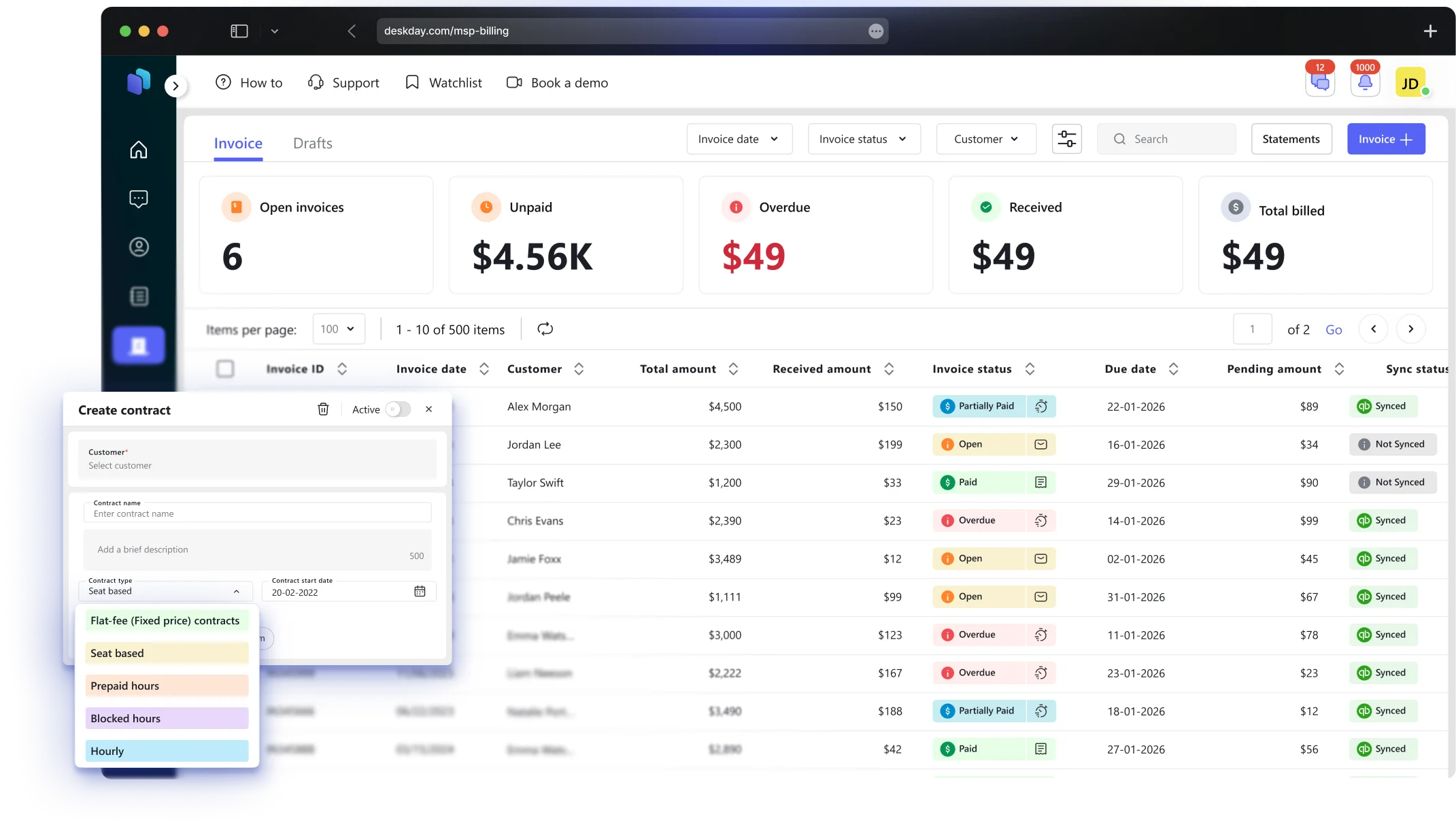
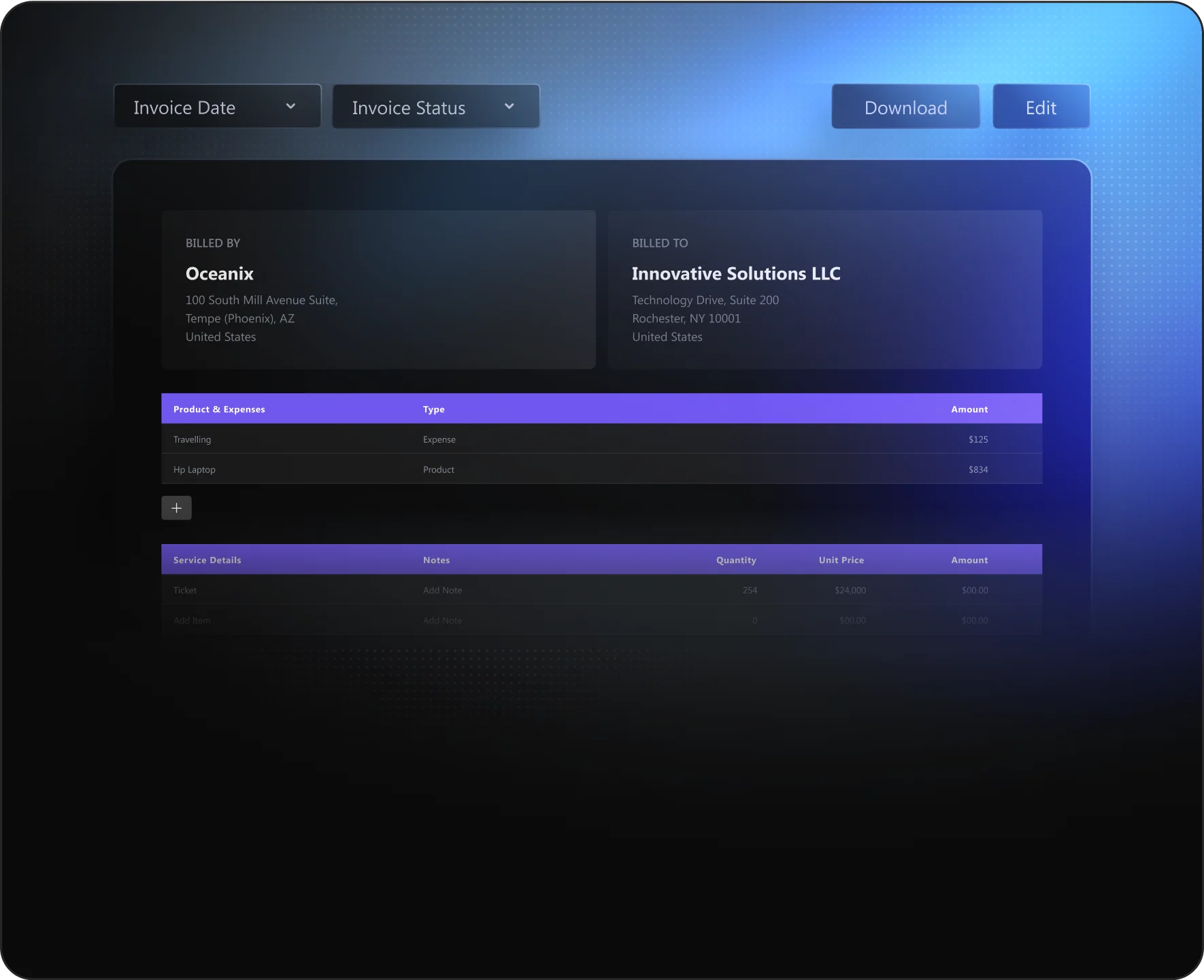

Turn completed tickets into revenue without friction. Time entries, products, and expenses flow directly from tickets to Ready-to-Bill, so nothing gets missed. Review, approve, and invoice faster, without spreadsheets, rework, or guesswork.


Automate recurring billing with schedules that fit your business. Run invoices daily, weekly, bi-weekly, monthly, quarterly, semi-annually, or annually. Choose to either auto-send invoices or save them as drafts for review. Built to keep recurring revenue steady without manual follow-ups.
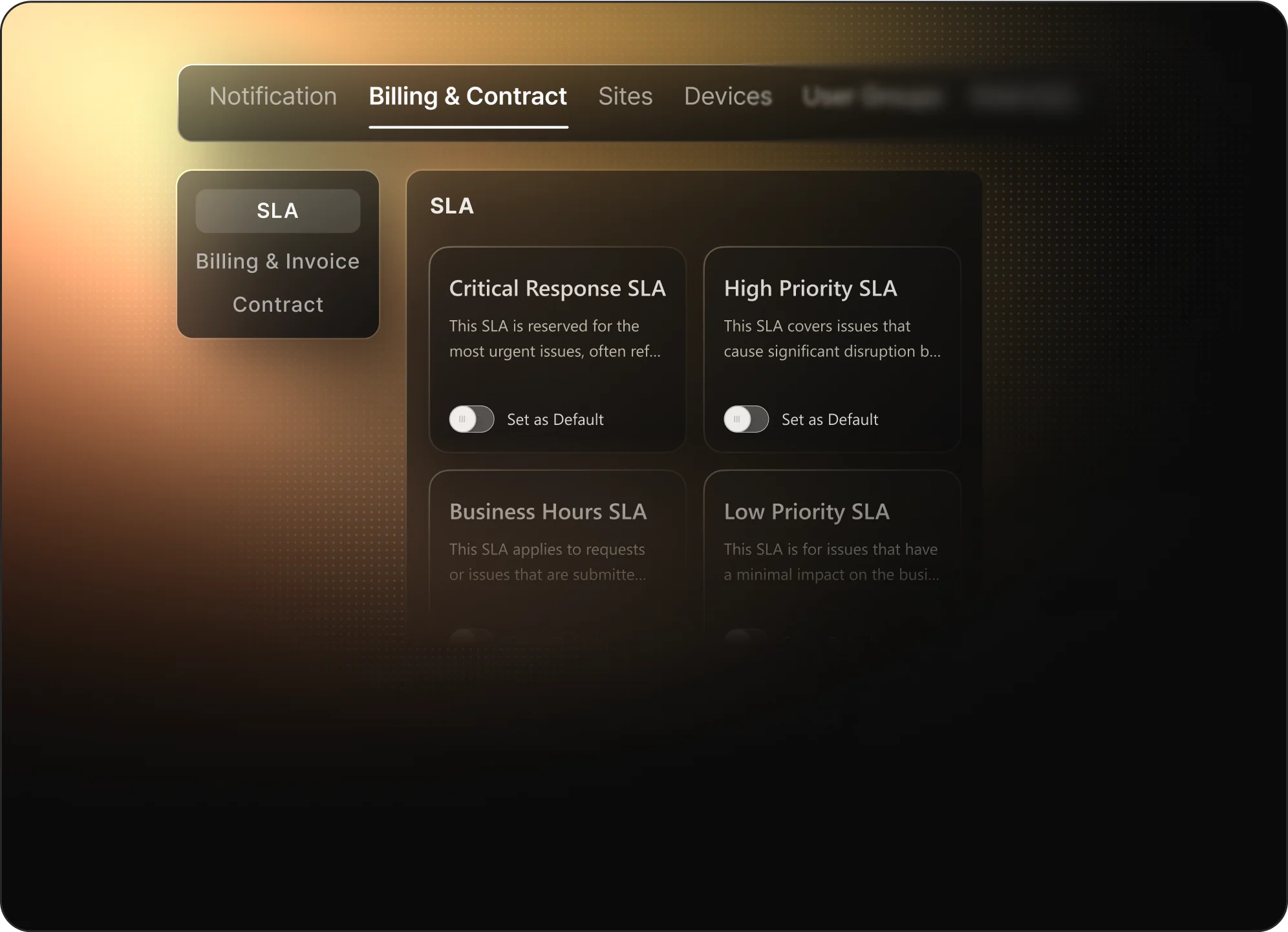

Once your invoices are finalized, you can sync them with QuickBooks and Xero to ensure that all data is up-to-date and transferred seamlessly into your accounting system.


Create reusable invoice templates to standardize billing for recurring charges. Define line items, taxes, and formatting once, then apply them consistently across contracts and recurring invoices. Perfect for keeping billing clean, predictable, and error-free at scale
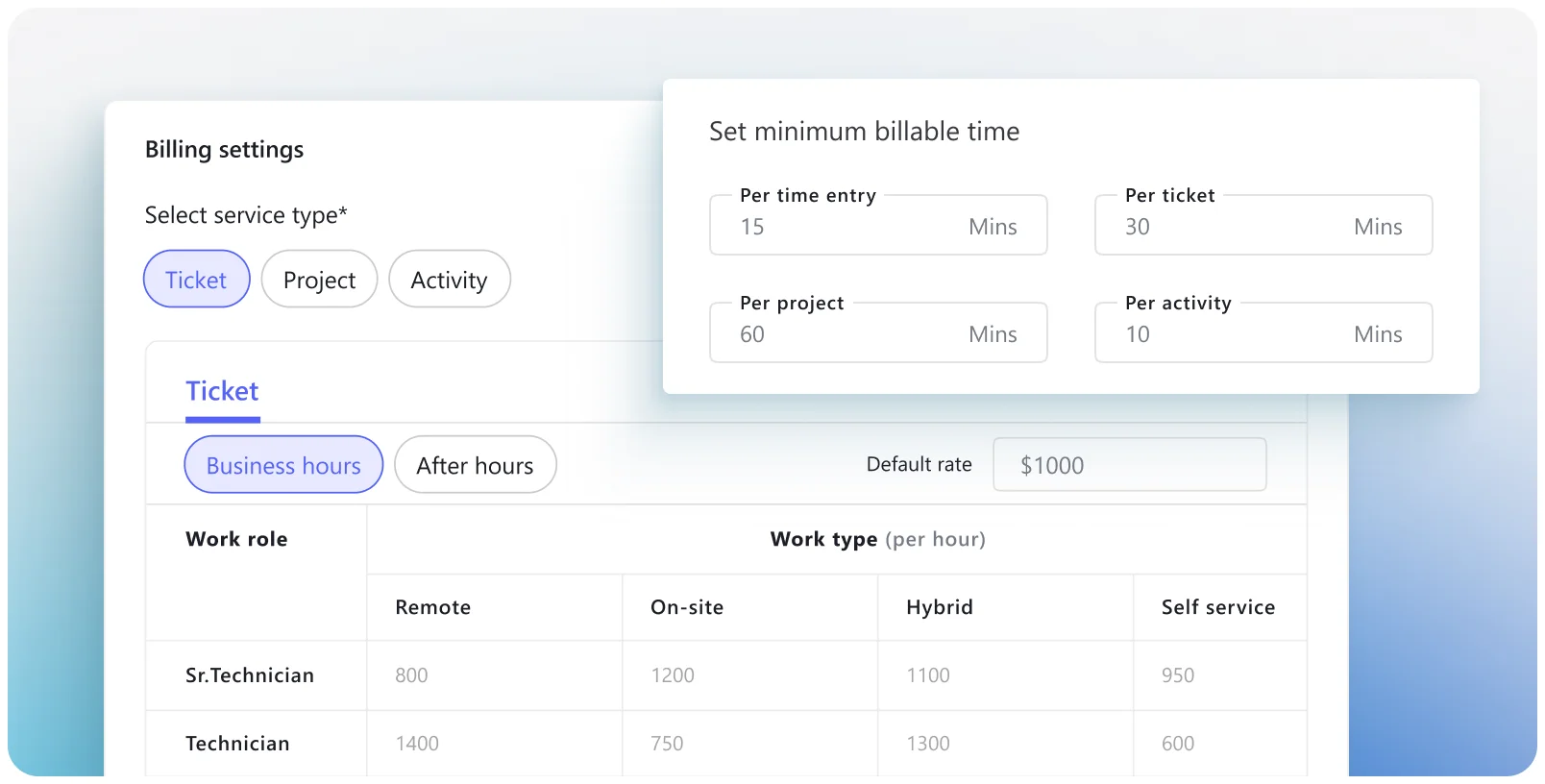
Bill only for the time that’s actually worked. Tech time logged on tickets flows straight into invoices at predefined hourly rates, with controls over minimum bill time, rounding, approvals, and custom rates per work type and work role. Well-suited for ad-hoc support, reactive work, and customers who prefer clear, pay-as-you-go billing with no surprises.
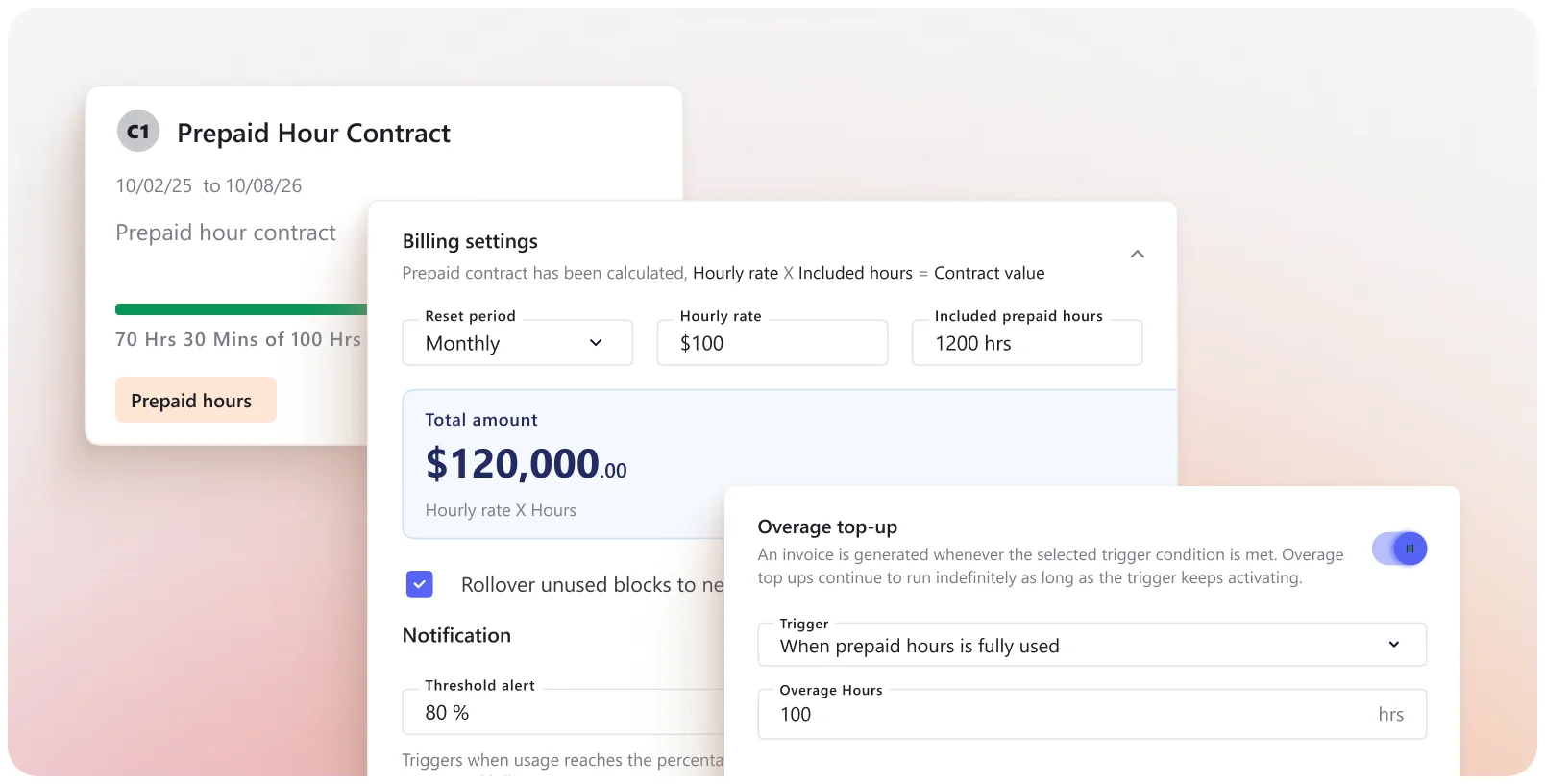
Sell a fixed number of hours upfront for a defined period and let techs work against that balance. Hours are deducted in real time, with clear visibility into what’s used and what’s left. Set alerts as limits approach, roll unused hours forward if needed, and decide what happens when the balance runs out: switch to overage rates, pause billing, or track time for manual billing later.
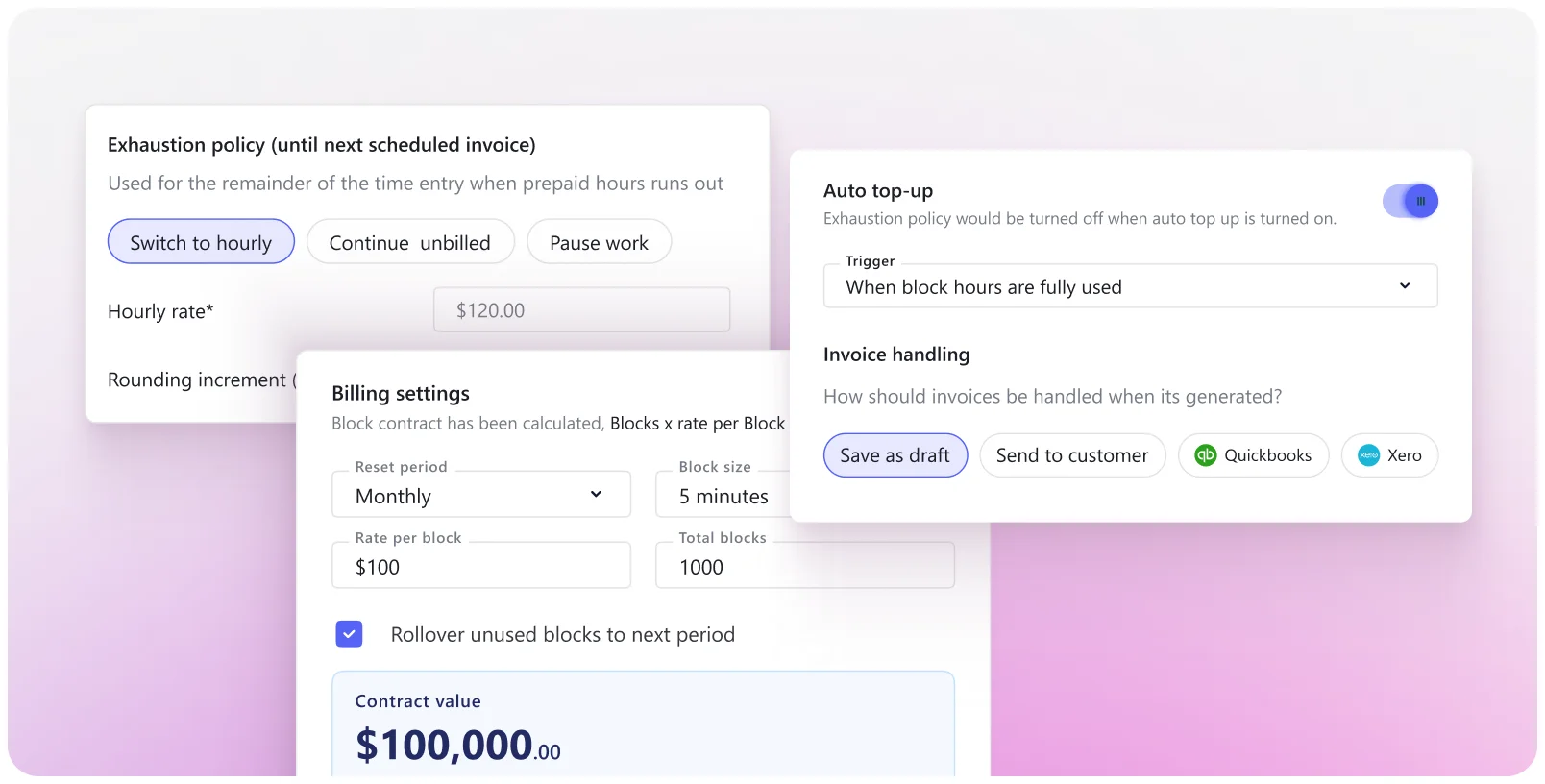
Package time into fixed blocks rather than open-ended hours. Track block consumption in real time, get alerted as limits approach, and define exactly what happens when a block is exhausted: switch to hourly billing, pause work, auto-renew, or handle billing manually. A good fit for teams that want clean math, clear boundaries, and predictable renewals without micromanaging time.
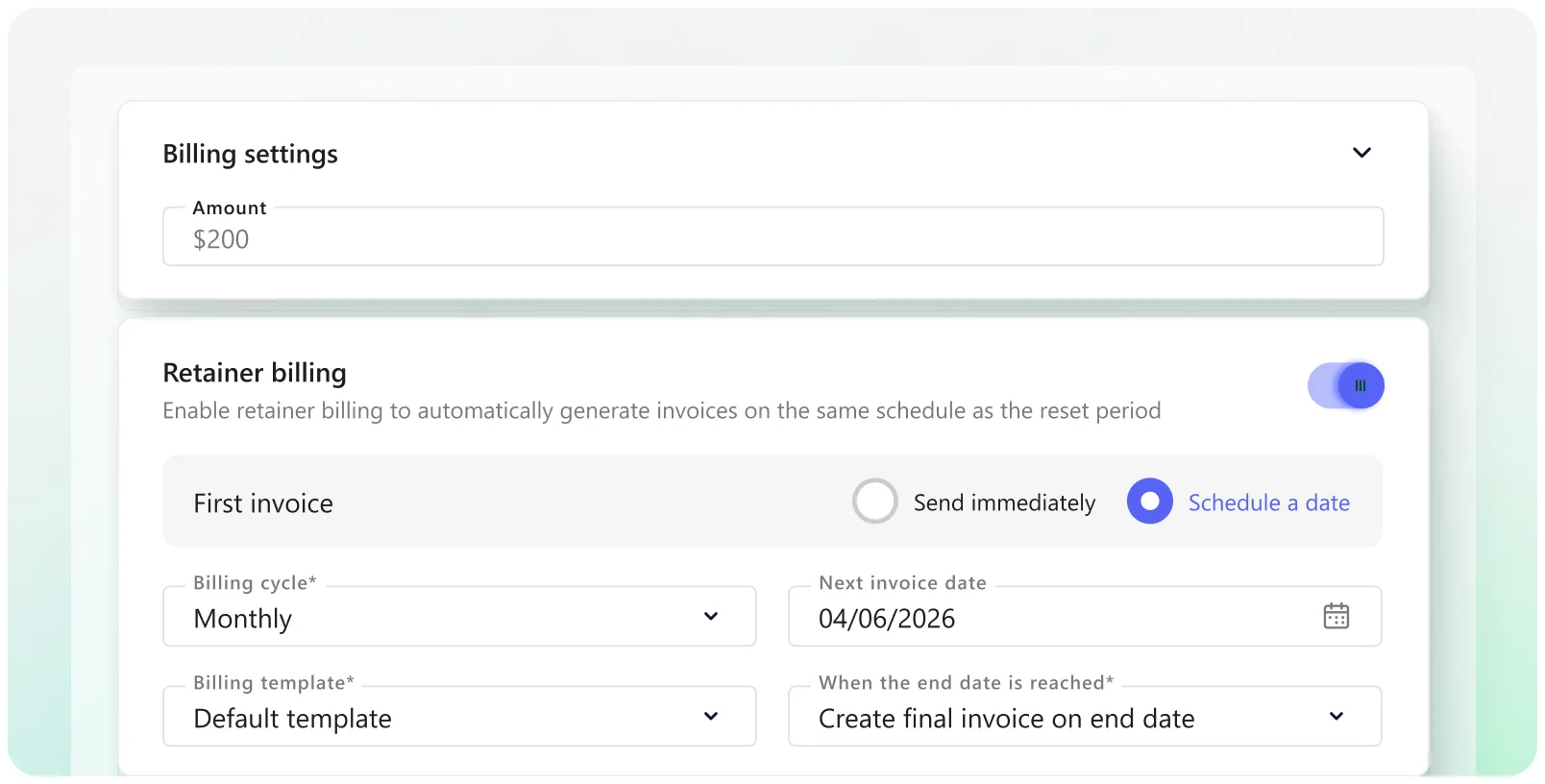
Charge a set price for a service or billing period, independent of time logged. Recurring invoices are generated on a defined schedule using templates, while you stay in control of how time, products, and expenses are treated throughout the contract. Well-suited for managed services and long-running engagements where predictability matters more than minute-by-minute billing.
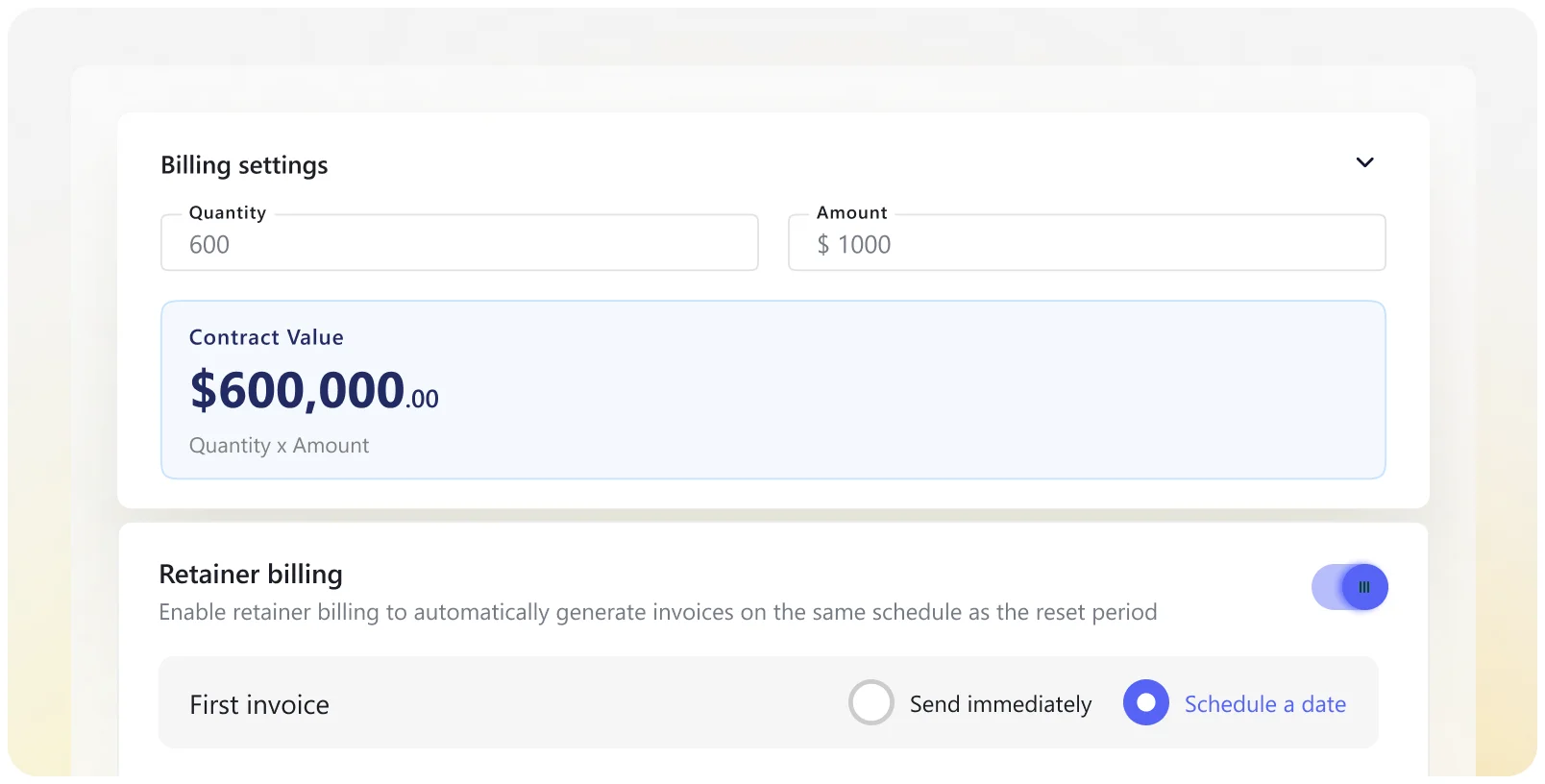
Bill based on users, devices, or seats rather than hours worked. Pricing scales with what’s actually managed, making it a natural fit for services like Microsoft 365, security, and endpoint management. Invoices recur on fixed schedules, so revenue stays predictable as customer environments grow or shrink.
Create invoices without tying them to a contract. Add services, products, or expenses manually as needed and send invoices immediately. Useful for one-off work, special charges, and those edge cases that don’t fit neatly into a predefined agreement.
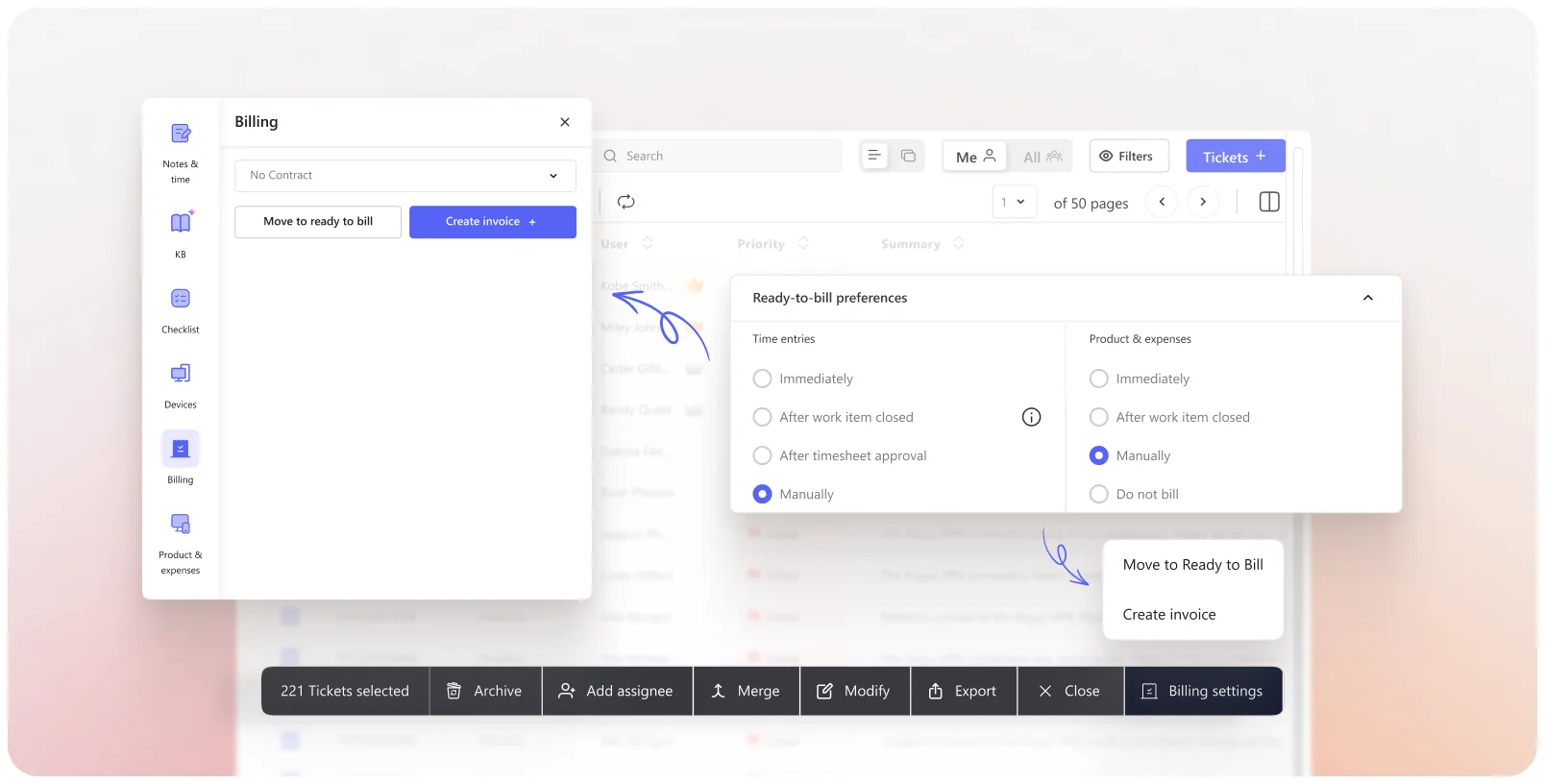
Bill only for the time that’s actually worked. Tech time logged on tickets flows straight into invoices at predefined hourly rates, with controls over minimum bill time, rounding, approvals, and custom rates per work type and work role. Well-suited for ad-hoc support, reactive work, and customers who prefer clear, pay-as-you-go billing with no surprises.
Sell a fixed number of hours upfront for a defined period and let techs work against that balance. Hours are deducted in real time, with clear visibility into what’s used and what’s left. Set alerts as limits approach, roll unused hours forward if needed, and decide what happens when the balance runs out: switch to overage rates, pause billing, or track time for manual billing later.
Package time into fixed blocks rather than open-ended hours. Track block consumption in real time, get alerted as limits approach, and define exactly what happens when a block is exhausted: switch to hourly billing, pause work, auto-renew, or handle billing manually. A good fit for teams that want clean math, clear boundaries, and predictable renewals without micromanaging time.
Charge a set price for a service or billing period, independent of time logged. Recurring invoices are generated on a defined schedule using templates, while you stay in control of how time, products, and expenses are treated throughout the contract. Well-suited for managed services and long-running engagements where predictability matters more than minute-by-minute billing.
Bill based on users, devices, or seats rather than hours worked. Pricing scales with what’s actually managed, making it a natural fit for services like Microsoft 365, security, and endpoint management. Invoices recur on fixed schedules, so revenue stays predictable as customer environments grow or shrink.
Create invoices without tying them to a contract. Add services, products, or expenses manually as needed and send invoices immediately. Useful for one-off work, special charges, and those edge cases that don’t fit neatly into a predefined agreement.
Manage all your subscriptions from a single dashboard, with live sync from Pax8. Sync products, licenses, pricing, and customer assignments automatically to keep renewals, billing, and recurring revenue perfectly aligned.
DeskDay supports hourly, prepaid hour, block hour, flat-fee, and seat-based contracts. You can mix these models across customers and even within the same customer, depending on the service being delivered.
Yes. Seat-based contracts can bundle tools like Microsoft 365, DNS filtering, security products, and remote labor into a single per-user price. Tickets routed to these contracts will not generate hourly charges.
Yes. When a ticket is mapped to a fixed-fee or seat-based contract, time entries are excluded from hourly billing automatically. Only overages, products, or expenses are billed when applicable.
Yes. You can apply separate rate cards for tickets and projects. Projects can be billed as fixed-fee or hourly, independent of how standard support tickets are billed.
Yes. DeskDay supports multiple rate cards with:
All calculations are applied automatically.
Techs can track time using live timers or add time manually. Time entries follow your rounding rules and flow directly into billing based on the contract tied to the ticket.
Yes. Each ticket can be marked as billable or non-billable. Only billable tickets move into the “Ready to Bill” queue.
Yes. You can choose between:
This can be selected at the time of invoice creation.
Recurring invoices are driven by retainers or recurring contracts. You can schedule invoices, save them as drafts, send them automatically, or sync them to your accounting system.
Yes. DeskDay integrates with both QuickBooks Online and Xero, allowing invoices to sync directly without changing your accounting workflow or accountant.
Yes. Products and expenses can be attached directly to tickets and included in invoices. Inventory management is part of the upcoming roadmap.
Yes. DeskDay supports billable activities such as procurement, training, or internal tasks. These activities can use their own rate cards.