
Datto RMM + DeskDay is live now! If you're a Datto RMM user, sign up today to claim your free trial Get Started

 Team DeskDay Team DeskDay
Ask any MSP peer group about ticketing systems, and the same answers come back: “Get a full PSA. You’ll need it eventually. Everyone uses it.”
It’s said with conviction, as if the conversation is settled.
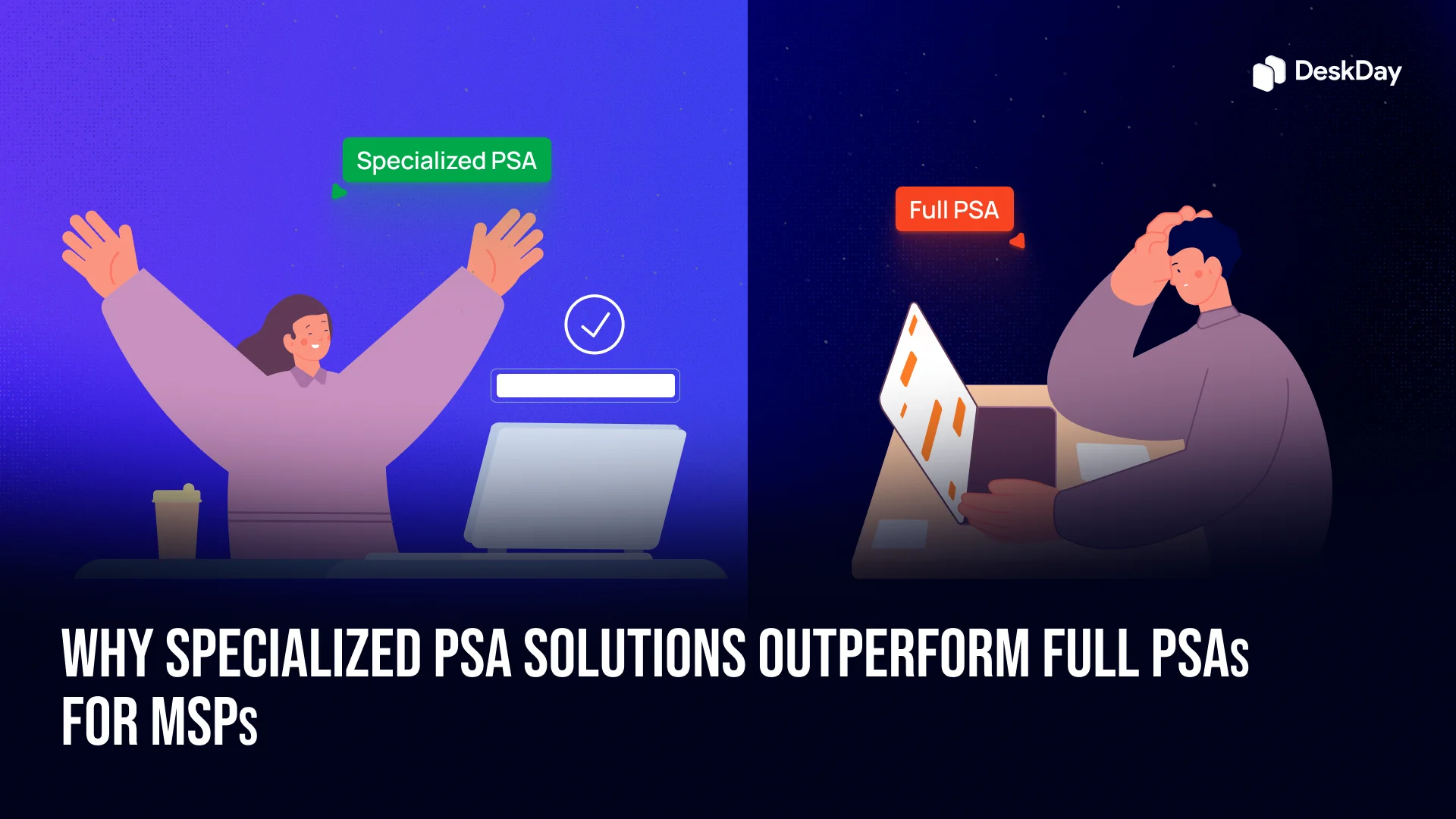
But the reality for many MSPs, especially those with well-defined processes, is that “full PSA” doesn’t always mean “best fit.” Sometimes, the smartest move is picking a specialized PSA that focuses on doing one thing extremely well: running your support desk without the drag of unnecessary extras.
Full PSAs are built to run your entire business in one platform: ticketing, projects, billing, CRM, asset tracking, time sheets, quotes, even HR functions.
On paper, it sounds like efficiency. In practice, it often means:
The truth: most MSPs only use 25–35% of the modules they’re paying for. The rest is dead weight; weight that slows down your team.
Example:
An MSP buys a full PSA because “that’s what serious MSPs use.” Within 6 months:

When a PSA tries to be everything, you end up paying in ways that don’t show up on the invoice:
Multiply these across a year, and you start to see thousands of dollars in lost productivity and admin time, not to mention frustrated staff who feel the tool is working against them.
Switching tools feels like admitting defeat. After months of setup, migration, and training, the idea of starting over is exhausting. This is the sunk cost trap, where you keep investing in a system that isn’t delivering because you’ve already spent so much.
Signs you’re in it:
Example:
An MSP managing 1,300 endpoints spent over 2 years customizing their PSA to “fit their way of working.” The result? More hours in admin, less time on billable work, and still no smooth ticketing process.
Full PSAs proudly market “seamless integrations” with your RMM, accounting software, quoting tools, and more. But the reality often looks like:
A specialized PSA, especially one built API-first, focuses on integrations as a core strength, not as a bullet point in a brochure. This means:

When you’re firefighting multiple incidents, a 30-second ticket search isn’t just annoying, it’s a real impact on SLAs and customer satisfaction.
The culprit? Database bloat from unused modules.
Here’s what happens in a full PSA:
Even if you’re just searching tickets, the system is also indexing CRM records, inactive project templates, billing data, and inventory items. Every query becomes heavier than it needs to be.
Performance reality:
A specialized PSA trims the fat, keeping searches, updates, and ticket creation fast regardless of volume.
A PSA is only as valuable as its adoption rate. Full PSAs often struggle here:
Specialized PSAs, in contrast, are designed with the support tech in mind:
The result? Techs are productive on day two, not week four.

Not all MSPs need the same level of operational control. The “one tool for all” approach ignores the fact that:
Specialized PSAs can adapt to each of these without forcing the same rigid process on everyone.
A specialized PSA doesn’t pretend to run your HR, finance, and project management; it’s built to win at one thing: delivering fast, reliable, intuitive service desk operations.
The benefits MSPs actually feel:
When your business processes are already mature, you don’t need an oversized platform dictating how you work, you need a tool that bends to your way of working, not the other way around.
Focused solutions don’t try to run your whole company, they aim to master the core features you need!
Go specialized when:
For many, the answer isn’t “bigger” but “better.” And better often means specialized.
A specialized PSA (Professional Services Automation) is designed specifically for MSPs. Unlike full PSAs that target multiple industries, specialized PSAs focus on ticketing, automation, billing, and reporting tailored for IT service providers, making your workflow more efficient.
Full PSAs include features for various industries, which can be overwhelming. Specialized PSAs provide only the tools MSPs need, resulting in simpler implementation, faster adoption, and reduced costs.
They remove unnecessary complexity, letting small teams start delivering value immediately. With intuitive interfaces and pre-configured workflows, specialized PSAs save setup time and avoid feature overload.
Yes. Most specialized PSAs are designed for seamless integration with RMM tools, billing platforms, and collaboration apps, keeping your tech stack connected and efficient.
Full PSAs often slow teams down with unnecessary complexity. A specialized PSA streamlines operations, reduces costs, boosts productivity, and empowers your techs to focus on delivering exceptional client service.

Get exclusive content on the MSP industry and become a part of the DeskDay community.


