DeskDay AI is coming soon. Get early access to the next generation of MSP intelligence. Join Waitlist

 Team DeskDay Team DeskDay
Traditional PSAs are obsolete. If your system can’t integrate with the conversation, it’s already dead weight.
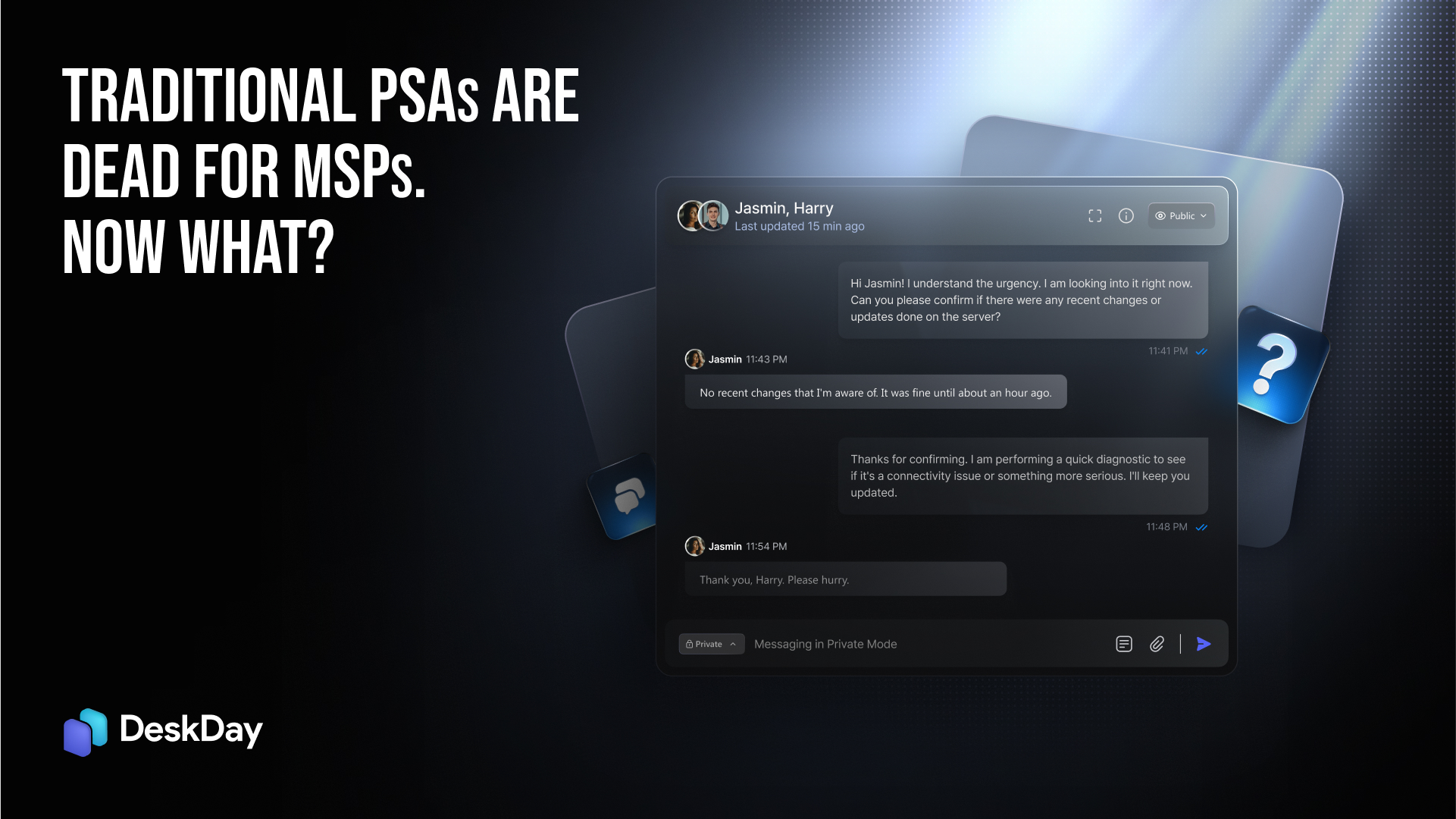
The era of rigid email, phone, and portal-based ticketing is over. Communication has moved into real-time chat, and the tools MSPs rely on to manage tickets haven’t caught up. PSAs were once the backbone of service management, but they’re quickly becoming a relic. The shift to chat-based communication is no longer just a trend; it’s the new standard. In this blog, we’ll dive into why chat-core PSAs are the future and why sticking with yesterday’s “chat-bolt-on” solutions is only setting MSPs up for failure.
As you well know the workplace has already made the shift to chat. Microsoft’s move to retire Skype and fully back Teams, which now boasts hundreds of millions of active users, signals that the core of business communication has shifted. Conversations, mentions, and channels have replaced email threads and phone calls as the primary means of communication. If your PSA can’t integrate into this new world of work, it’s already behind.
This is where chat-core PSAs come into play. These platforms, designed with chat at their heart from day one, are the future of service management. In these systems, conversation isn’t just an integration or add-on feature; it’s the very backbone. In the next sections, we’ll break down exactly what this means, why it’s crucial in an AI-powered world, and why trying to bolt chat functionality onto legacy PSAs causes more pain than it solves.
For years, traditional PSAs thrived on email threads and phone calls to handle tickets. But those days are long gone. Email-based ticketing is outdated, inefficient, and, frankly, a productivity killer. As the workplace rapidly moved toward real-time communication, legacy PSAs couldn’t keep up. Email and phone-based systems simply couldn’t handle the demands of the modern work environment.
Conversational ticketing slowly went mainstream. Many pushed it hard: raise, work, and resolve tickets inside Slack/Teams, with two-way sync to the service desk. The direction is clear: less portal-hopping, more work in the conversation.
Chat-core means the message is a first-class object in your model. Tickets are conversation threads, whereas knowledge base, files, timers, SLAs, everything attaches to the chat record.
Bolt-ons treat chat as an integration point: they only connect your PSA with chat platforms like Teams or Slack. These integrations often create a disjointed experience because chat is tacked on instead of being a natural part of the system. It works until something breaks or the scale increases. Then, you start seeing limitations, like mismatched data, inconsistent updates, and breakdowns in workflows. It works until it doesn’t. You feel the seams.
Evidence? Many legacy PSAs advertise Teams/Slack “integrations,” but they land as connectors, webhooks, or separate bots rather than a native conversational core.
We’re not knocking these tools; they’re popular for a reason. We’re saying architecture matters when your primary surface is chat.

Here’s the laundry list your techs already feel, even if they don’t name it.
The PSA knows contacts; Teams knows AAD users. Mapping and maintaining those identities across both systems is fragile. One user gets two “selves;” tickets go missing; audit trails split across systems. (If you’ve ever had to “map” Slack/Teams users to service accounts, you know the ritual.)
A user raises an issue; a tech opens a ticket; the real discussion happens in channel DMs. Half the story never makes it back to the record in the service desk. Later, during a post-mortem, you reconstruct facts from bits and pieces.
Acknowledge in channel chat, but the PSA doesn’t see it as a formal “status” change until an automation fires or a tech manually updates. Timers slip; reports lie.
Files pinned in Teams aren’t attached to the ticket. The knowledge base can’t index them; AI can’t retrieve them. The next tech repeats the same question.
Channel pings, bot DMs, email CCs, PSA alerts. Techs mute the noise and miss the one that mattered.
Connectors break. Bots lose their scopes. Tenants change. Someone keeps the glue alive while your backlog grows.
This is not hypothetical; it’s what “works on paper” feels like on a Tuesday afternoon.
Here’s the architecture pattern you want to see (and what DeskDay leans into):
Every message or ticket is treated like an important piece of data. Chats within each ticket are organized, so everything related to that ticket stays together in one conversation. It’s not just a record with messages; it’s a full conversation with all the details you need.
Each ticket has a conversation thread that ties everything together. There’s no need for extra webhooks or multiple links. When something changes in the conversation, like a status update or SLA timer, it gets updated in the ticket.
All user identities are connected across platforms. So when you get a ticket from multiple channels, their details match up with the PSA system. Everything stays consistent and accurate, making tickets, approvals, and invoices simpler.
Files shared in chat are automatically attached to the ticket. They’re also searchable and can be referenced by AI, so techs can find what they need quickly without digging through emails or multiple systems.
Simple triggers make sure the right actions happen automatically. For example, if a message gets tagged as urgent, the system knows exactly what to do, without relying on complicated scripting.
Whether it’s Teams, mobile, Slack, web portal, or email, all communication about a ticket is kept in the same thread. No more confusion with different versions of the same ticket across multiple channels.
AI helps agents complete tasks directly within the conversation, like resetting passwords or updating invoices, and it logs everything so you always know what was done.
By contrast, bolt-ons need to simulate most of this with connectors and cron jobs. It works… until volume or compliance pushes it past its breaking point.
Ask vendors to demo these live:
1. Create a ticket from Teams app and watch it getting updated in the PSA immediately.
2. Chat from multiple channels cited under the PSA and see how the entire conversation within a single tickets unfolds.
3. Share a file in chat, search for its content from the ticket view, and ask the AI to summarize it and cite the original message.
4. Close the loop: agent runs an action, logs back to the thread with verifiable output, and updates billing/time automatically.

Your clients already live in Teams, Slack, or other chat tools. They don’t want to open yet another portal just to submit a simple request. They want to ask a question, get help quickly, and move on with their day. Conversational, multi-channel ticketing puts the service desk where your clients are already working, removing friction and saving time for both your techs and end users.
For MSPs, this isn’t just a convenience, it’s a competitive edge. Faster response times, fewer errors, and less back-and-forth mean happier clients and more efficient operations. In the AI era, where automation and smart recommendations can resolve issues before they even become problems, having a chat-first system transforms your team from reactive problem-solvers into proactive service providers. Simply put: if your PSA treats chat as an afterthought, your team will always be a step behind. Start a free trial with DeskDay and see how a chat-core PSA system works.
Traditional PSAs are often slow, rigid, and fragmented, failing to support modern MSP workflows like chat-native ticketing, AI automation, and multi-platform integrations. They slow down techs and limit business scalability.
Modern PSAs should be all-in-one, intuitive, and flexible, offering AI-driven automation, integrated ticketing, real-time collaboration, and multi-tier billing, all designed to save time and improve customer service.
Switching reduces manual processes, ticket resolution times, and billing errors, while providing tools to streamline workflows, enhance team productivity, and scale efficiently.
Yes. Modern PSAs like DeskDay are scalable for teams of all sizes, allowing small MSPs to start simple and grow into advanced automation, reporting, and multi-client management features as their business expands.
Start by evaluating your current workflows, identifying inefficiencies, and choosing a PSA that offers easy onboarding, migration support, and minimal disruption, like DeskDay, which combines chat-native ticketing, Helena AI automation, and seamless integrations.

Get exclusive content on the MSP industry and become a part of the DeskDay community.